
1 / 6
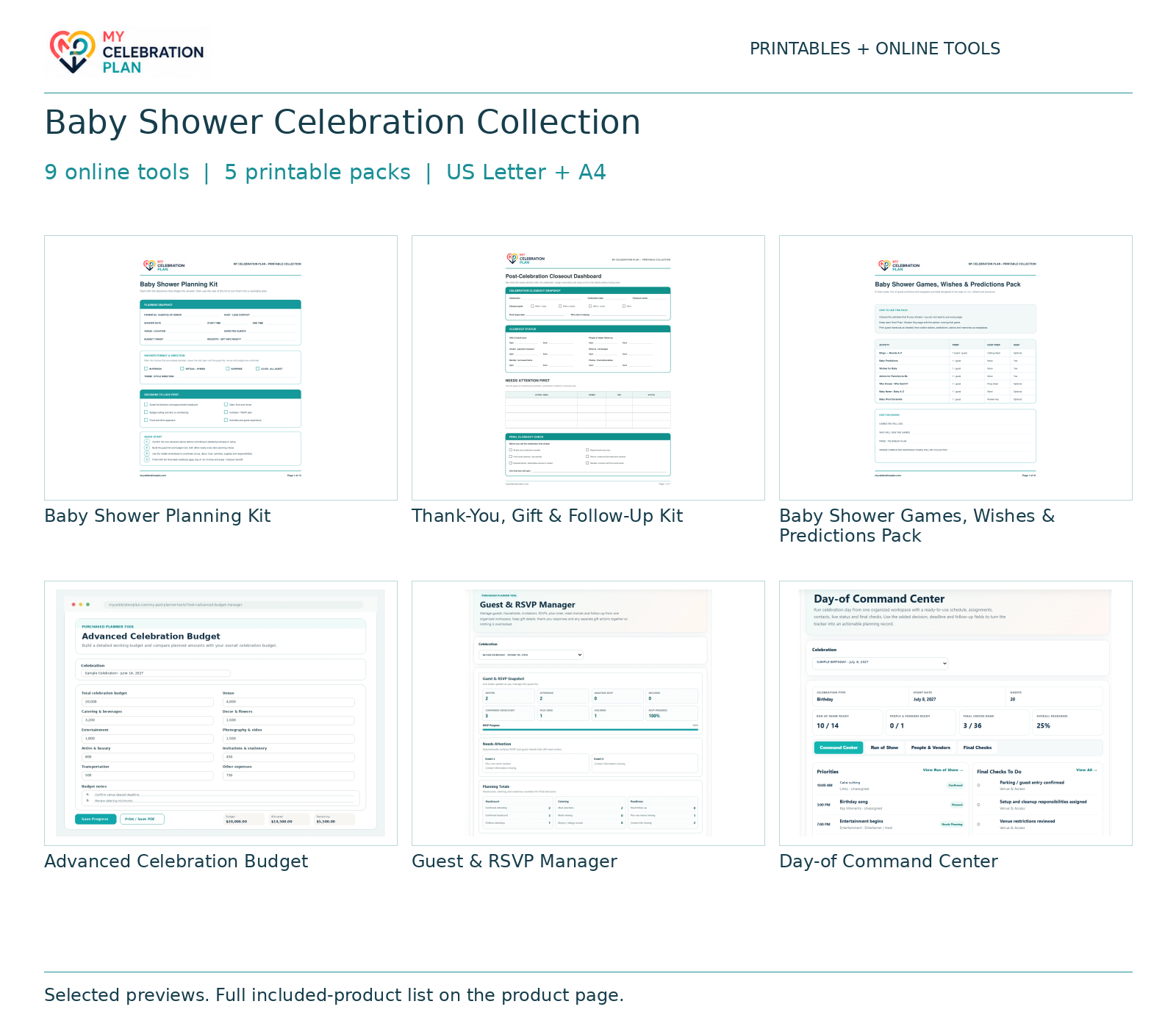
Gallery images are previews only. Your purchase includes every item listed in What you get, even when not every included item is pictured.
Celebration Collection
Baby Shower Celebration Collection
$19.99
Individual value: $100.86
9 online tools + 5 printable packs for shower priorities, guests, invitations, food, décor, games, keepsakes and thank-yous. Printable ZIP includes US Letter and A4 PDFs; tools unlock in your account.
✓ Secure checkout✓ Tutorial included
What you get
- Baby Shower Planning Kit
- Advanced Celebration Budget
- Guest & RSVP Manager
- Invitation & Communication Manager
- Menu & Catering Planner
- Decor & Rental Planner
- Gift & Thank-You Manager
- Advanced Planning Timeline
- Day-of Command Center
- Packing & Emergency Checklist Builder
- Baby Shower Games, Wishes & Predictions Pack
- Celebration Invitation & Stationery Suite
- Memories, Advice & Keepsake Pack
- Thank-You, Gift & Follow-Up Kit
Quick Tutorial
How it works
Choose the included paper and digital workspaces that fit your celebration, keep their shared figures current, and prepare one final handoff.
- After purchase, sign in to the account used at checkout and open My Purchases. The 9 included online tools are unlocked there; they run in your account. Download this collection’s printable ZIP, extract it, and choose US Letter or A4 to match your paper. Print at Actual Size / 100% and reprint only the worksheets you need.
- Start with Baby Shower Planning Kit: agree the experience, priorities, guest scope, date, budget boundaries and planning owners. Use its roadmap to assign the next decisions and deadlines. Adapt the plan to the honoree, hosts and guests rather than treating every activity as required.
- Set the financial plan with Advanced Celebration Budget. Set category targets and contingency first, then record actual commitments and payments in the relevant included tracker. Reconcile the same figures with the paper plan before accepting another cost. Keep one current record for each amount; do not count the same payment twice.
- Coordinate the guests with Guest & RSVP Manager, Invitation & Communication Manager. Build the guest or household register, confirm invitation and response deadlines, follow up on unanswered RSVPs, and record meal or access needs. Update seating only after attendance is confirmed when a seating tool is included. Use the final agreed guest count for food and setup.
- Prepare the experience and practical details with Menu & Catering Planner, Decor & Rental Planner, Packing & Emergency Checklist Builder. Use the relevant included workspaces to confirm food quantities, supplies or rentals, photograph priorities, music, entertainment or packing. Assign preparation and handoff owners. Use only the workspaces needed for this celebration and keep quantities and approved choices consistent with the paper plan.
- Bring the plan into one sequence with Advanced Planning Timeline, Day-of Command Center. Maintain planning milestones before the event. Build one current event-day schedule in Day-of Command Center and share the relevant responsibilities and contact details with helpers. Check arrivals, setup, special moments and closeout against confirmed bookings; avoid competing master schedules.
- Prepare the included specialist printables: Celebration Invitation & Stationery Suite, Memories, Advice & Keepsake Pack, Thank-You, Gift & Follow-Up Kit, Baby Shower Games, Wishes & Predictions Pack. Open each product’s What You Get and How It Works for its complete worksheets and instructions. Choose the pages that support your event, confirm names and wording, prepare guest handouts or host copies where included, and rehearse chosen spoken or performance moments. Print extra copies of reusable worksheets rather than duplicating the whole pack.
- Before the celebration, reconcile the paper and digital plans, confirm final quantities, contacts, approved wording and owners, then distribute only the current copies each helper needs. Afterward, complete the closeout or follow-up worksheets included in this collection and use Gift & Thank-You Manager for the matching online gift and thank-you record. Check remaining payments, returns, deliveries and messages. Save final records for reference; guest-facing pages should contain only information guests need.
Online tools unlock in your account. The collection ZIP contains printable PDFs and an access guide.