
1 / 13
Gallery images are previews only. Your purchase includes every item listed in What you get, even when not every included item is pictured.
Printable Download$7.99 $3.99 Sale
Quinceañera Guest, RSVP & Seating Kit
A 13-page Quinceañera guest-planning kit for household invitations, individual RSVPs, follow-up, guest support, final catering counts, seating constraints, table assignments, room layout, and coordinator handoff. Includes US Letter and A4 PDFs in one ZIP.
✓ Secure checkout✓ Tutorial included✓ Instant download after purchase
What you get
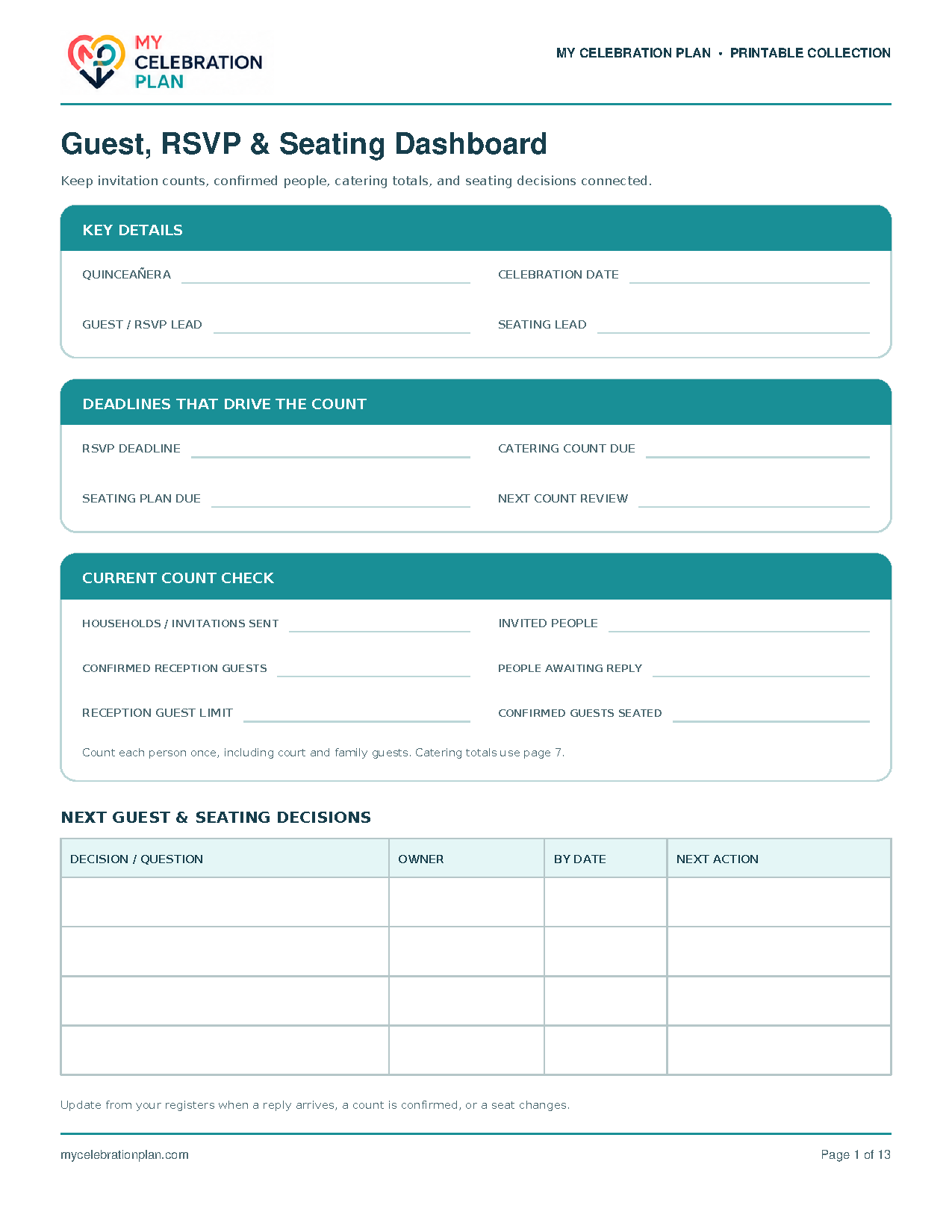
- Guest, RSVP & Seating Dashboard
- Guest Count Rules & Invitation Decisions
- Household & Invitation Register
- Individual Guest & RSVP Register
- RSVP Follow-Up & Response Resolution
- Dietary, Access & Guest Support Coordination
- Final Catering Count & Approval
- Seating Priorities & Constraints
- Table Capacity & Allocation Plan
- Guest-to-Table Assignment Register
- Room Layout & Guest Flow
- Seating Changes & Final Readiness
- Final Guest & Seating Handoff
Quick Tutorial
How it works
Keep household invitations, individual replies, catering counts and seating assignments connected from the first invitation to the final handoff.
- Download the ZIP after purchase and choose the US Letter or A4 PDF for your paper. Print the worksheets you need at 100% / Actual Size. Start with Guest, RSVP & Seating Dashboard to name your guest and seating leads, record deadlines, and identify the next decisions.
- Before sending invitations, complete Guest Count Rules & Invitation Decisions. Confirm the venue occupancy limit, your reception guest limit, who else the venue counts, child and plus-one rules, and who may approve additions. If you include a ceremony, decide whether its guest group is the same or different and track that attendance separately.
- Use Household & Invitation Register for one household or invitation per row. Assign household IDs such as H01 and H02, record contact information, invited people, invitation scope and send dates. Count households for invitations; count individual people for attendance, food and seats. Print another copy when you need more rows.
- List every invited person on Individual Guest & RSVP Register, including children, the honoree, participating court members and named plus-ones. Give each person a guest ID and link them to the household ID. Record ceremony and reception replies separately, use consistent meal codes, and flag missing names or details.
- Work through RSVP Follow-Up & Response Resolution to record each missing answer, contact attempt, next action, owner and deadline. Follow your agreed no-reply decision process. Close a follow-up only after updating the individual register and any affected catering count or seating assignment, then refresh the dashboard totals.
- Confirm dietary, access and practical support arrangements with each guest on Dietary, Access & Guest Support Coordination. Record the agreed arrangement, responsible contact and confirmation date. Share only what each helper needs, and carry any seating requirement into Seating Priorities & Constraints.
- Before the caterer deadline, complete Final Catering Count & Approval. Total confirmed guest meals by meal option or portion, then add vendor meals and approved extras separately. Reconcile guest meals plus confirmed guests who need no meal against confirmed reception attendance. Record approval, the count sent and the caterer acknowledgement; meal portions can differ from guest headcount.
- Use Seating Priorities & Constraints to agree on required placements and preferences, including the honoree, any chosen court seating, family or padrino priorities, caregivers and access needs. Reference the guest or household IDs instead of creating another guest list.
- Confirm usable seats with the venue on Table Capacity & Allocation Plan and give each table an ID such as T01. Allocate groups within that capacity. On Guest-to-Table Assignment Register, assign every confirmed reception guest once, check constraints and duplicates, and use a seat position only when individual seats are assigned. Update assigned, spare and unassigned totals as the plan changes.
- Draw the venue-specific Room Layout & Guest Flow using the same table IDs. Mark entrances, exits, dancing, food service, the guest lookup point and clear routes. Ask the venue to confirm actual dimensions and clearances, and record any required changes.
- Record late replies, meal changes or table moves on Seating Changes & Final Readiness. Obtain approval, update every affected record and version, and note who was notified. Check that all confirmed guests are assigned once, table totals fit usable capacity, meals and support are confirmed, and table IDs match the layout and display. Resolve open items before handoff.
- Complete Final Guest & Seating Handoff with approved counts, final version, arrival lead, lookup location and change approval contact. Share the current catering count, guest-to-table register, room layout and relevant support details with their named recipients. Agree on unexpected-guest and no-show responses within the approved limits, and identify who updates the list and notifies the team. Reprint reusable worksheets whenever more space is needed.